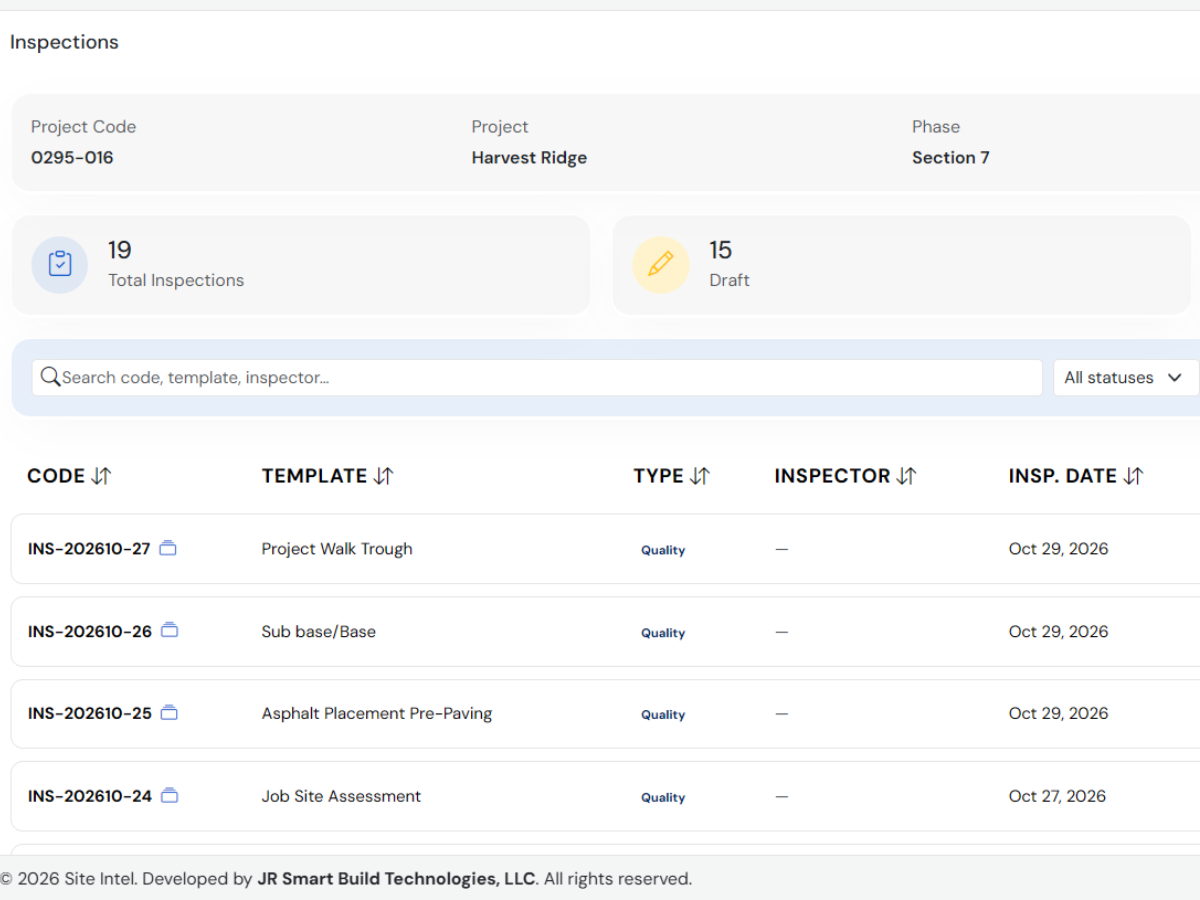
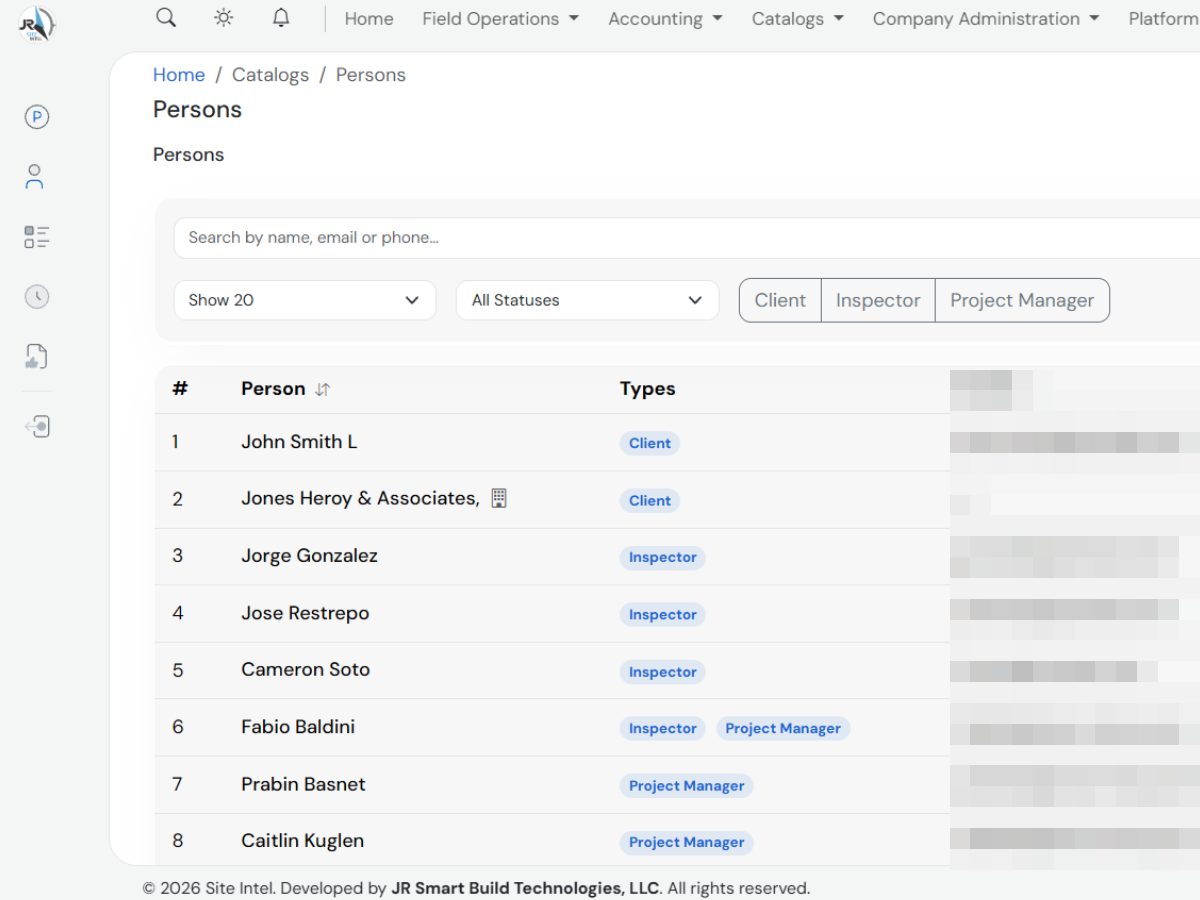
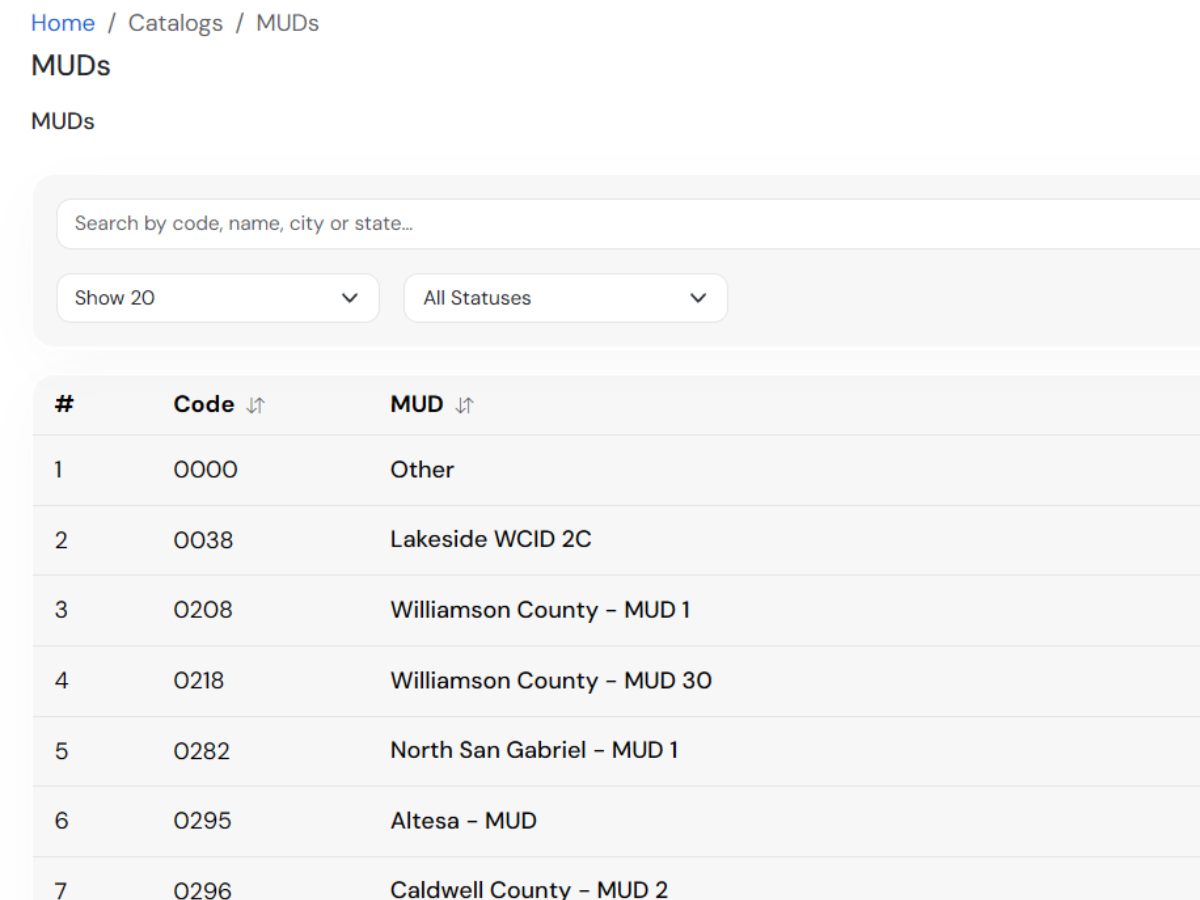
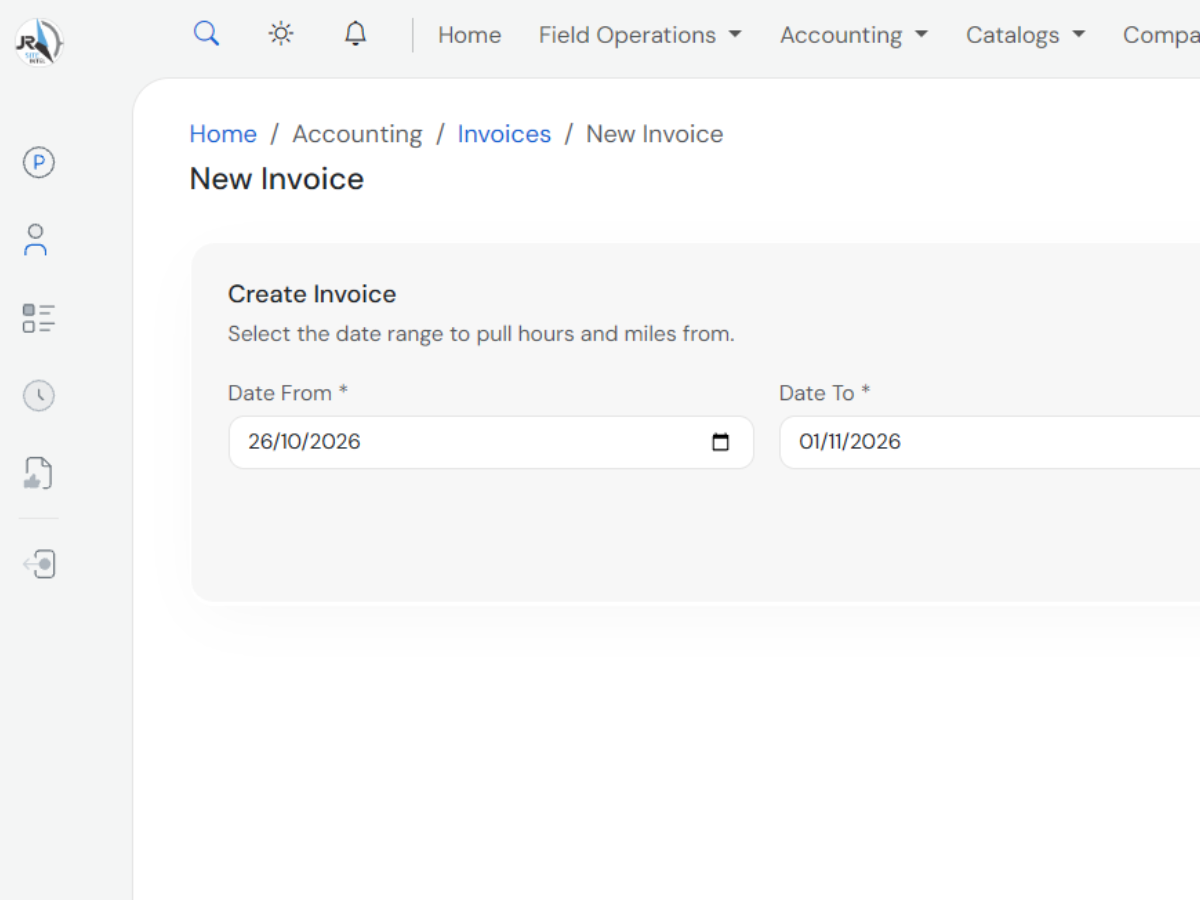
From project creation to the final report, Site Intel supports the entire inspection lifecycle.
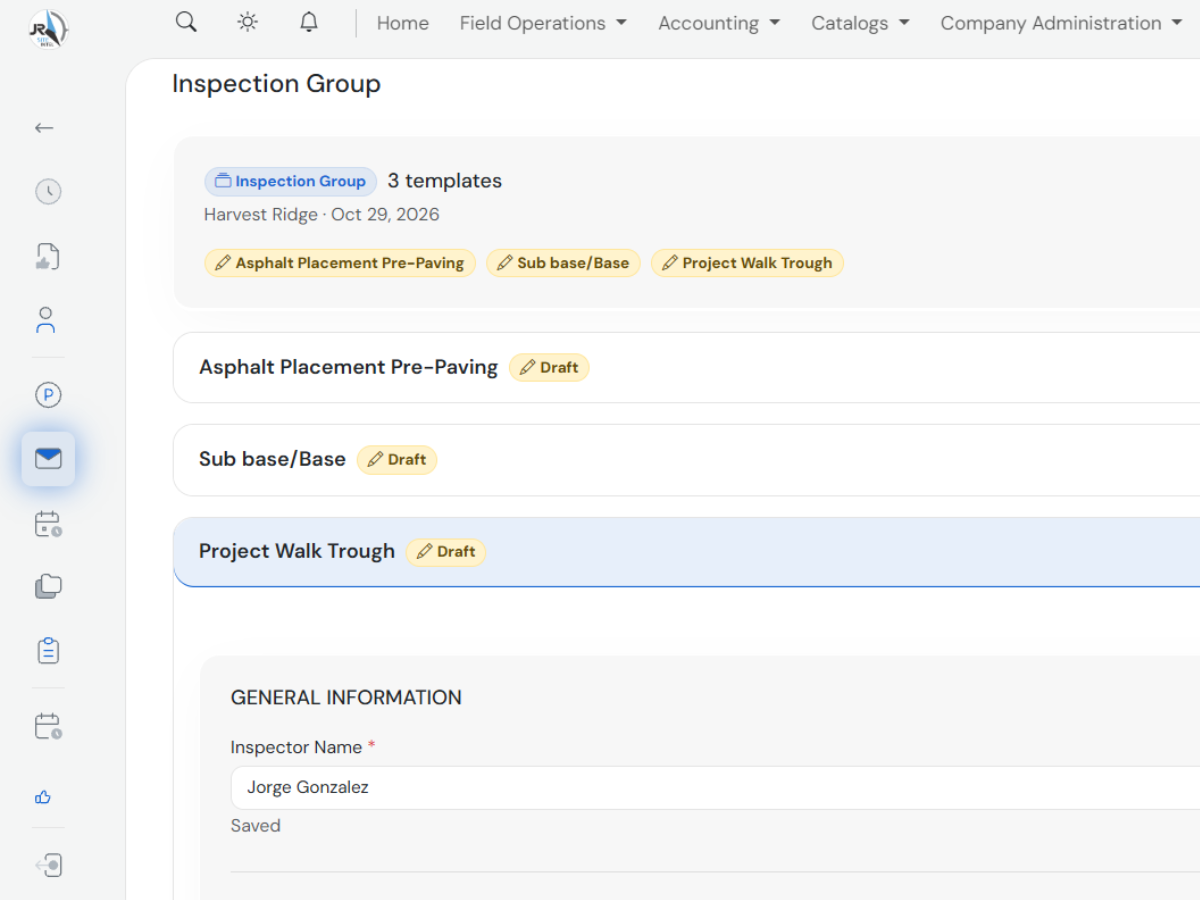
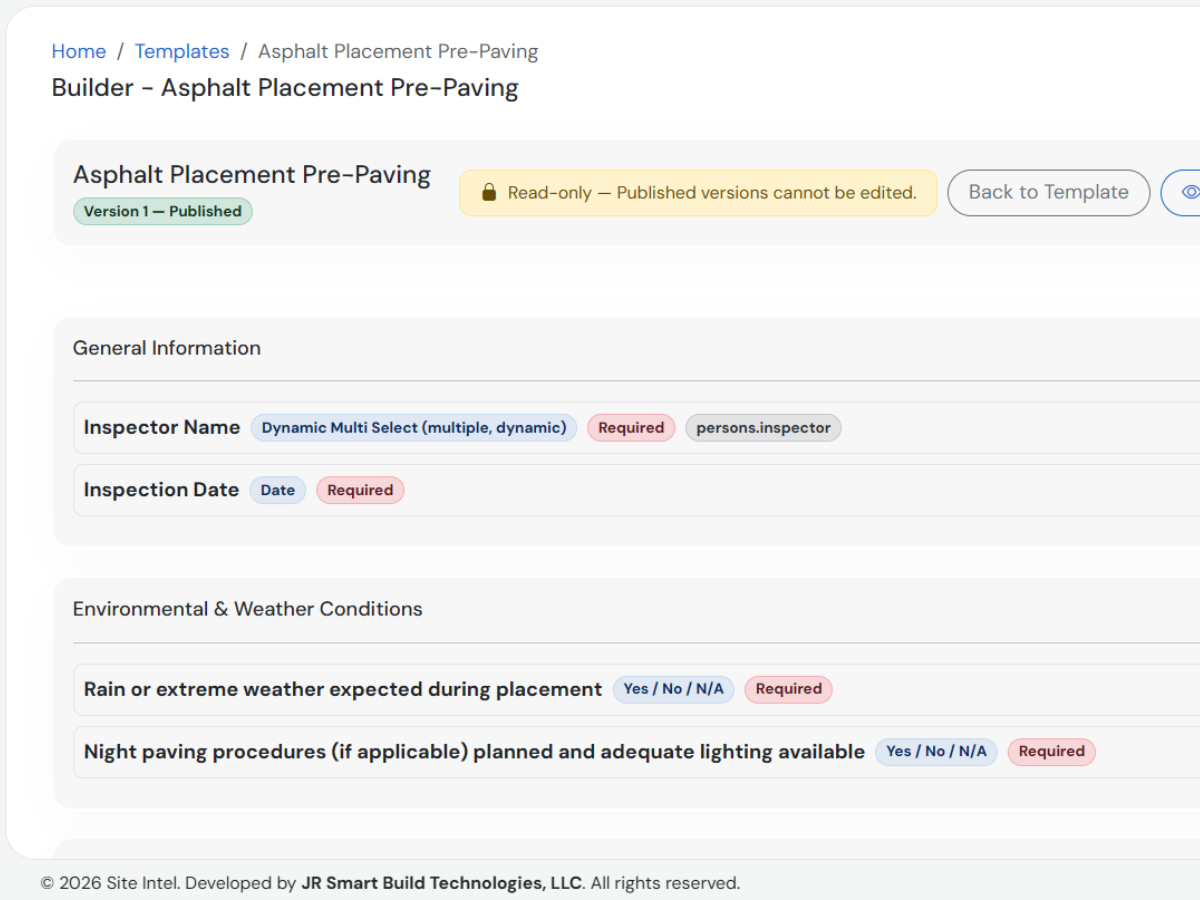
Design inspection forms tailored to each type of project, with your own sections, questions and options, no code required.
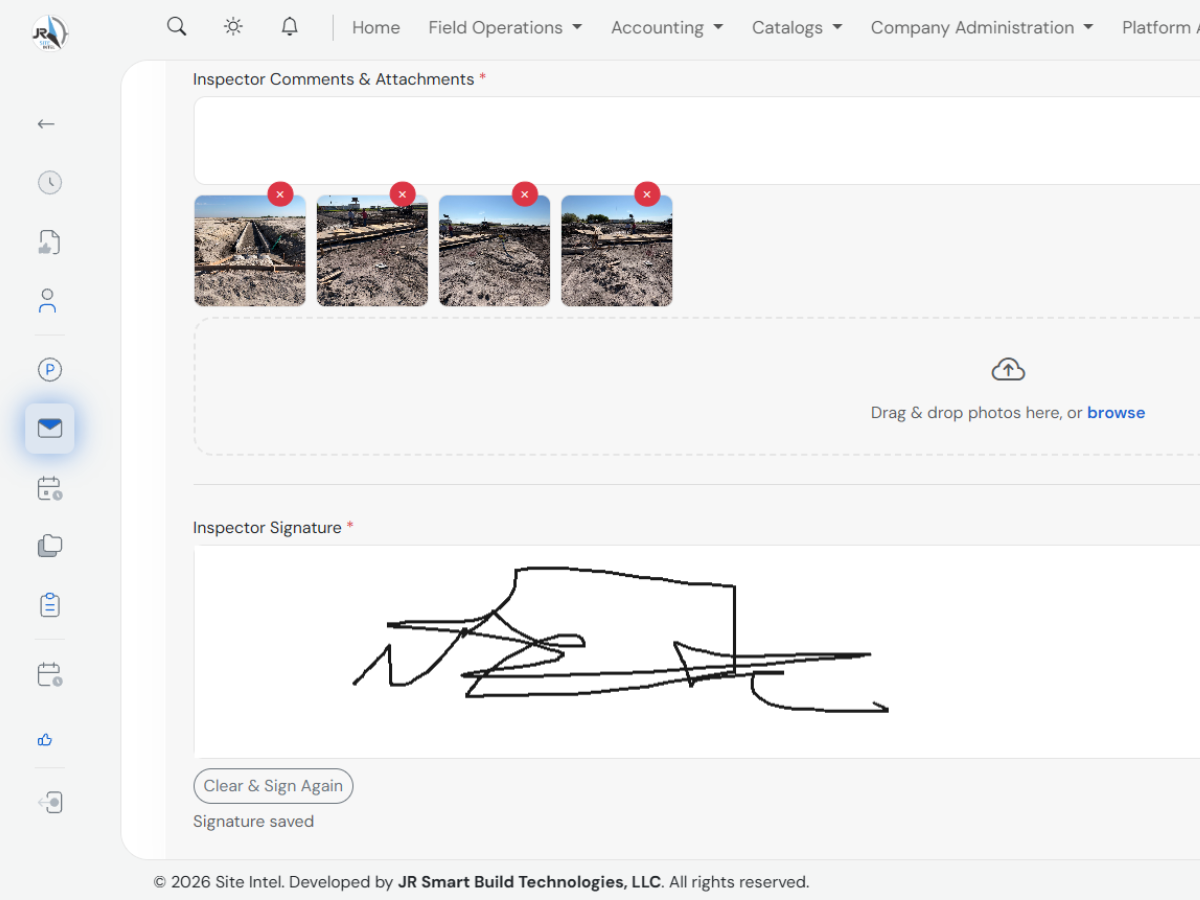
Capture photo evidence and digital signatures right from the field, with automatic saving so nothing gets lost.
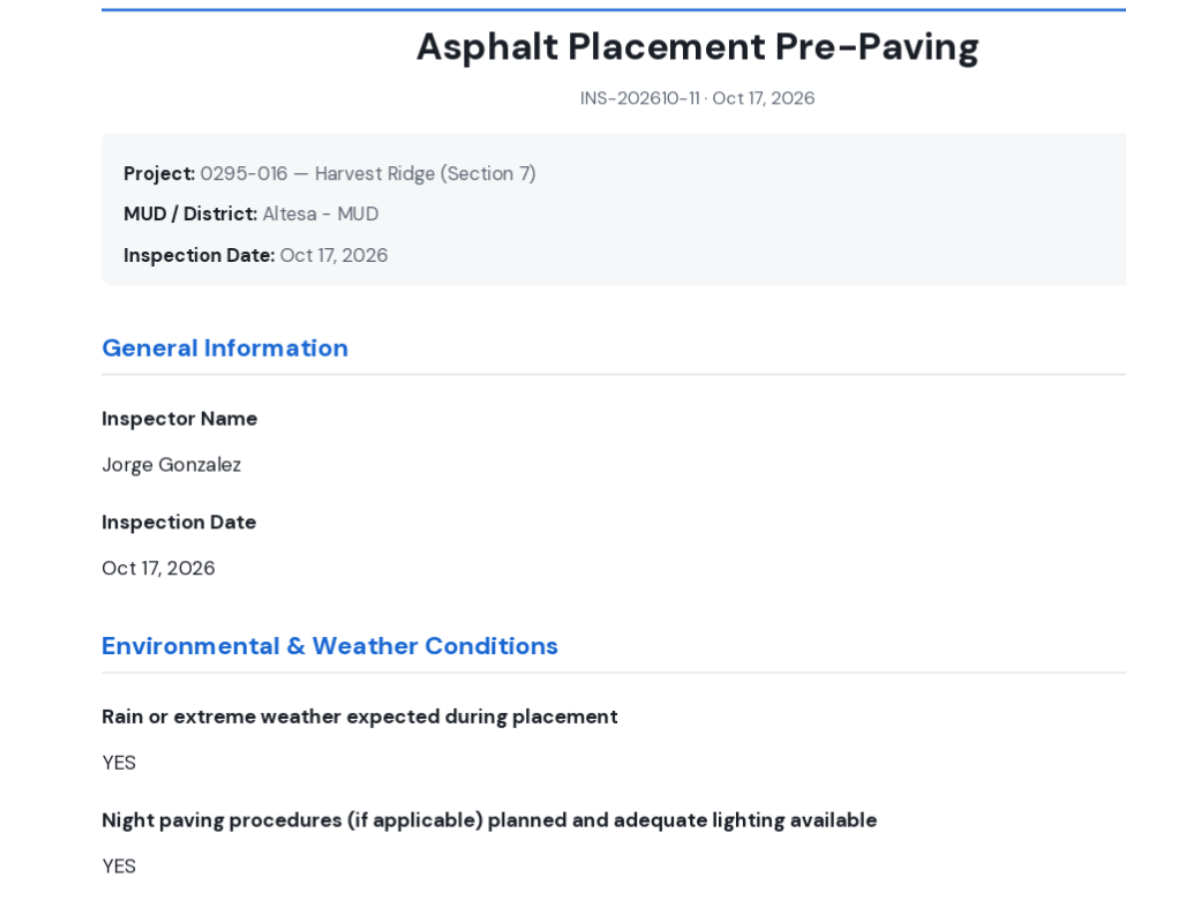
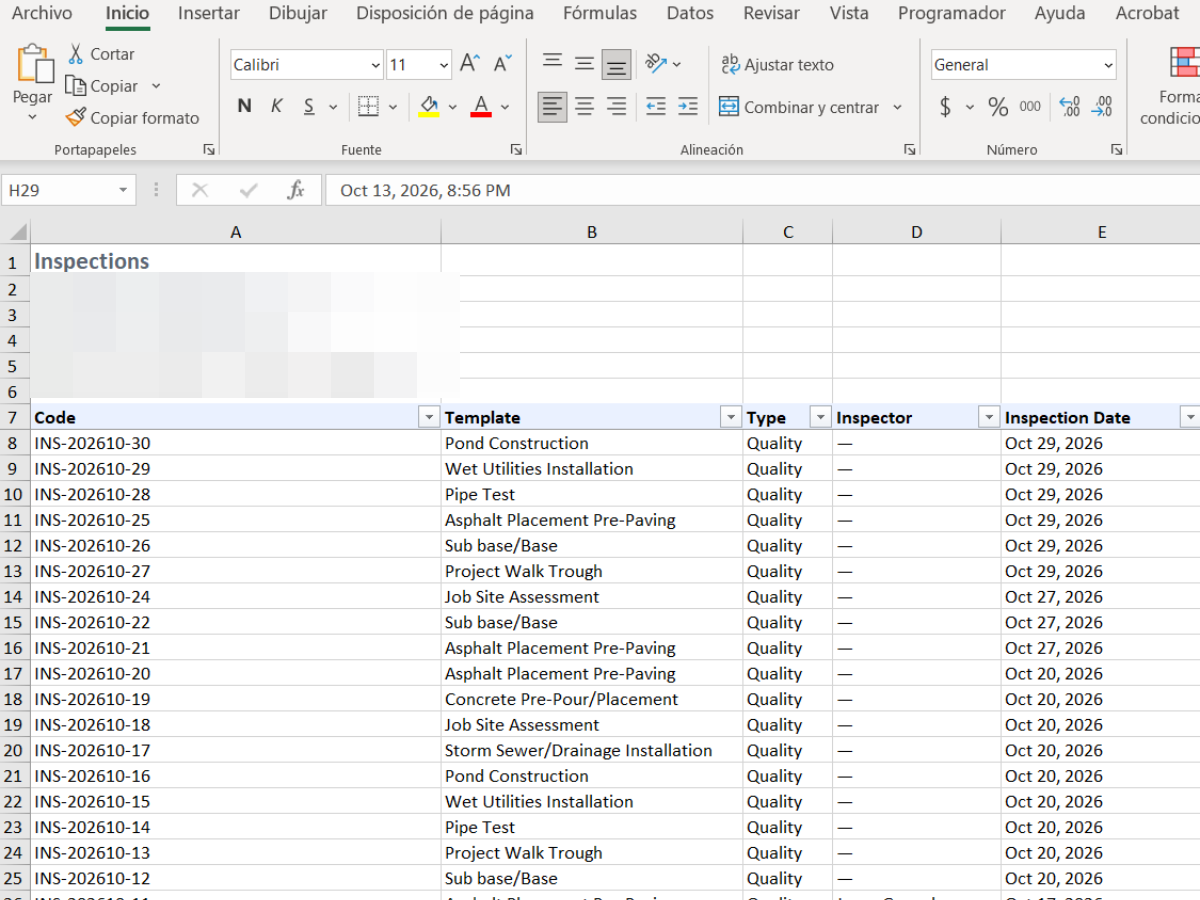
Generate professional, ready-to-share PDF reports, or export your data to Excel for analysis whenever you need it.
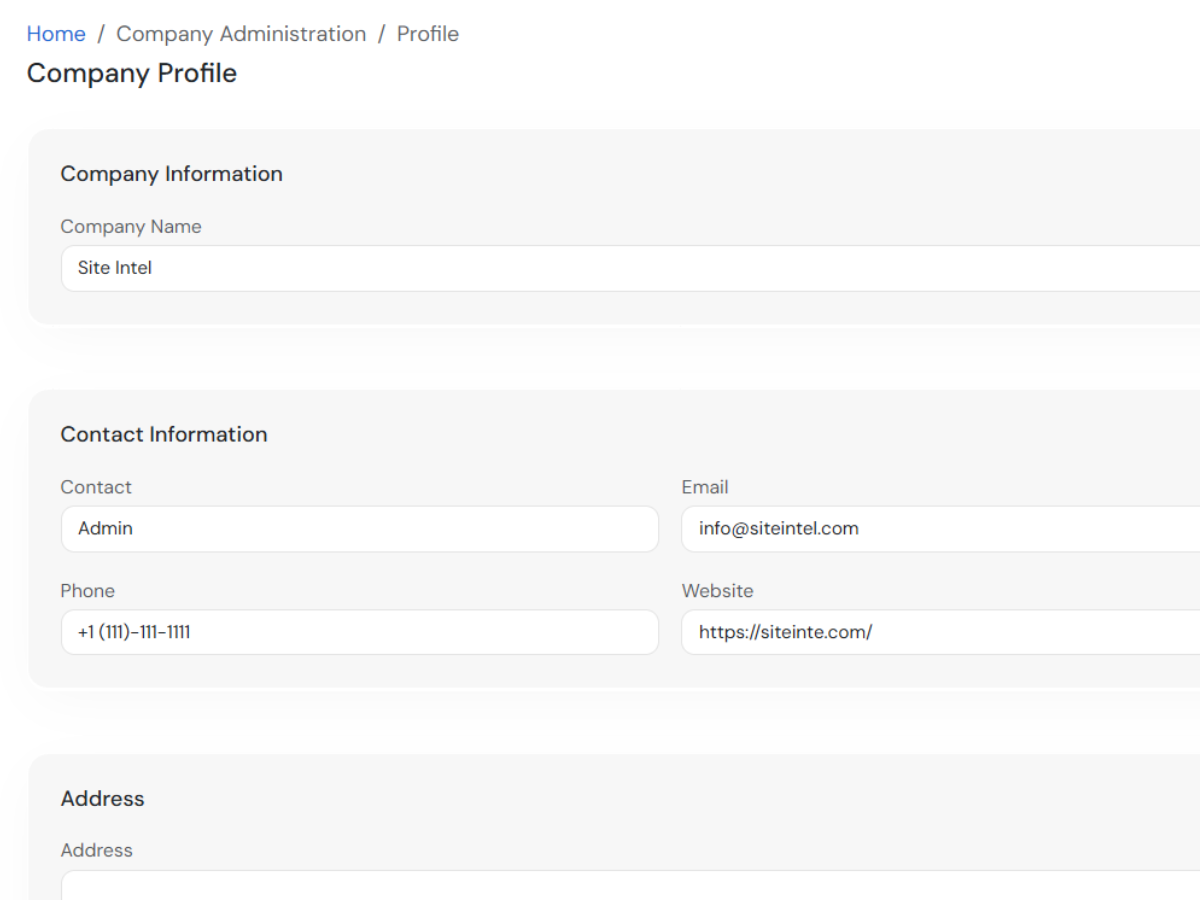
Manage multiple companies and projects from a single account, with roles and permissions controlling what each user can see and do.
Site Intel replaces spreadsheets and paper forms with a single digital workflow, from project assignment to the final report.
Every action is logged: who did it, when, and what changed.
Interface optimized for phones and tablets on-site, with hassle-free photo uploads and digital signatures.
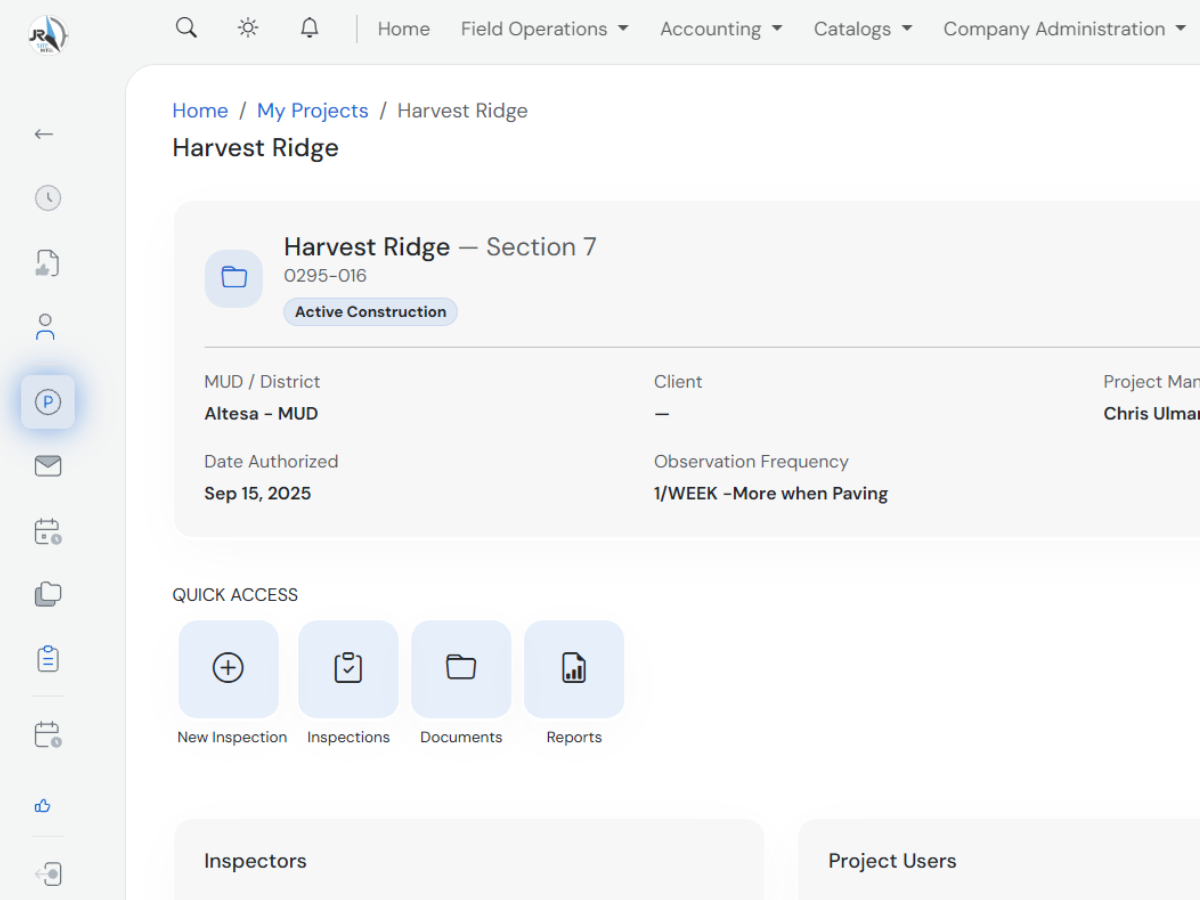
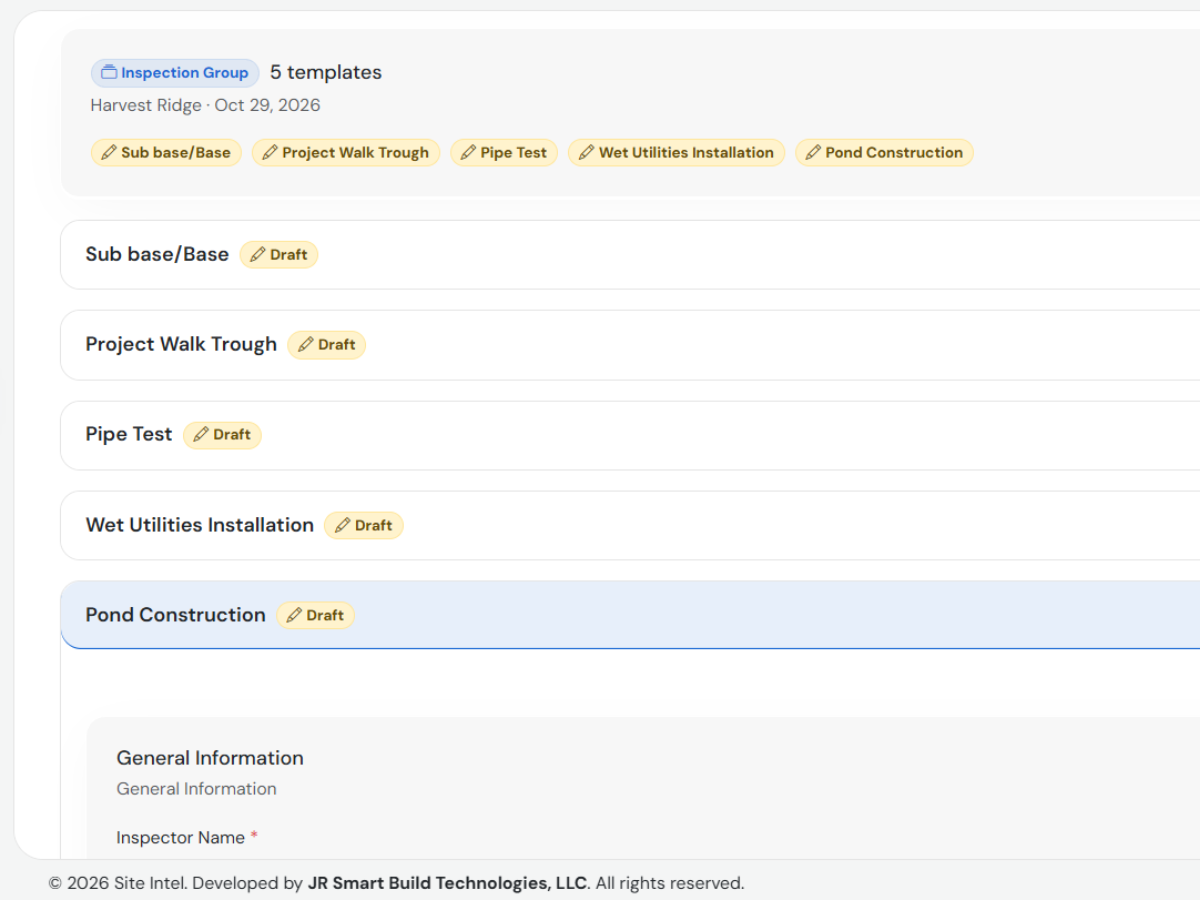
Each project groups its inspections, documents, billing, and assigned people
Robust authentication, permission-based access control, and per-company data isolation built into the architecture.
Projects
Inspections
Persons & Inspectors
Billing Rates
MUDs
Template Builder
PDF Reports
Company Admin
Quick answers to what people ask us most about Site Intel.
No. Site Intel runs 100% in the browser, on desktop, phone, or tablet, with no app to install.
Yes. The inspection form is optimized for mobile devices, including camera photo uploads and on-screen digital signatures.
Each company has its own isolated space within Site Intel, with projects, users, roles, and data fully separated from other companies.
Yes. The Template Builder lets you create and edit sections, questions, and answer types for any inspection type you need.
The form saves your progress automatically (autosave) as you go, minimizing the risk of losing field data.
Reach out through the contact option below and we'll set up a personalized demo for your team.
Schedule a demo with our team and see how Site Intel fits your operation.
Request a demo